Choosing a 3D printer doesn’t have to be complicated. The market is full of options, but not all printers are created equal — and not every buyer needs the same thing.
At PrintGeko, we focus on clear, unbiased recommendations to help you pick the right printer for your needs. Whether you’re starting from scratch, printing for fun, building prototypes, or launching a small business, we’ve narrowed down the best options for every use case.
We base our selections on:
- Core specs like print volume, speed, reliability, and ease of use
- Hands-on reviews from reputable sources
- Real-world feedback from experienced users
Quick Guide
Overall Best Printers
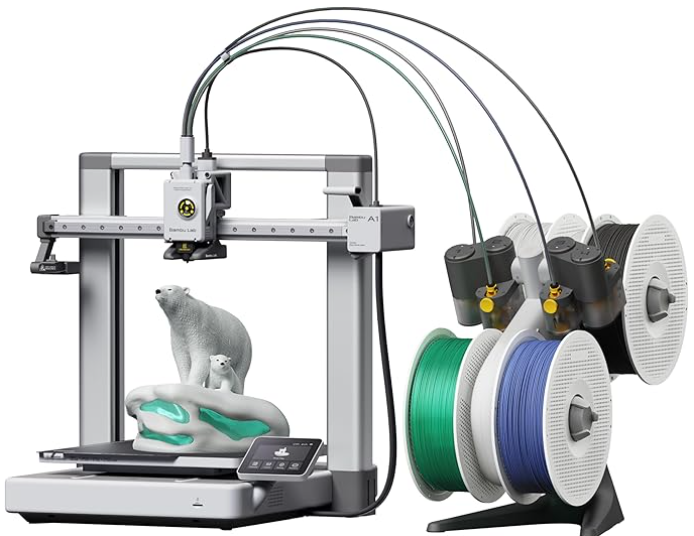
Bambu Lab A1 Combo
Build Volume: 256 × 256 × 256
Max Print Speed (mm/s): 500
Combines speed, precision, and easy auto-calibration; AMS Lite offers reliable multi‑color printing for beginners and pros
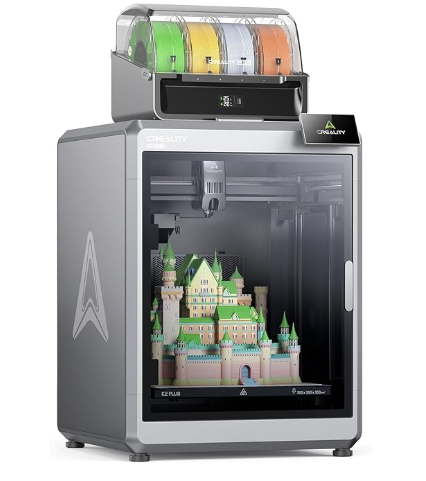
Creality K2 Plus
Build Volume: 350 × 350 × 350
Max Print Speed (mm/s): 600
Large-format CoreXY with high-speed servo motors and 30 000 mm/s² accel; supports up to 4‑color printing via CFS; actively-heated chamber.
Top Beginner Friendly 3D Printers
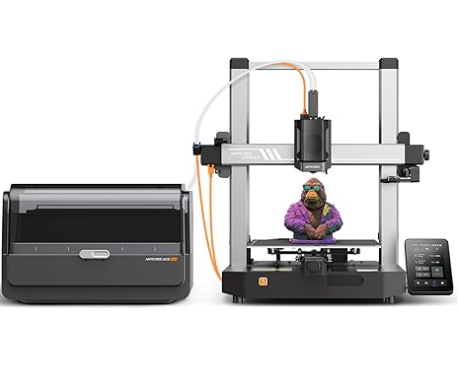
Anycubic Kobra 3 Combo
Build Volume: 250 × 250 × 260
Max Print Speed (mm/s): 600
Fast, well-built, intuitive; supports up to 4‑color via ACE Pro, though slicer still evolving
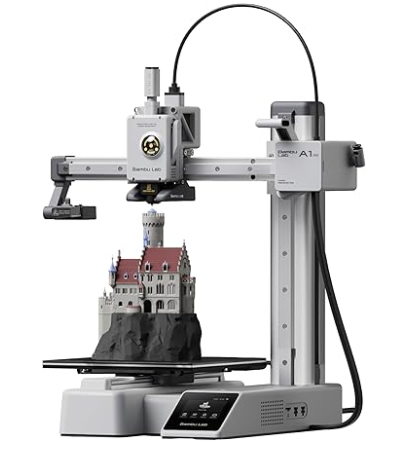
Bambu Lab A1 Mini
Build Volume: 180 × 180 × 180
Max Print Speed (mm/s): 500
Ultra‑polished setup, compact, combines speed and quality; AMS Lite brings multi‑filament capability to beginners
Best Budget 3D Printer
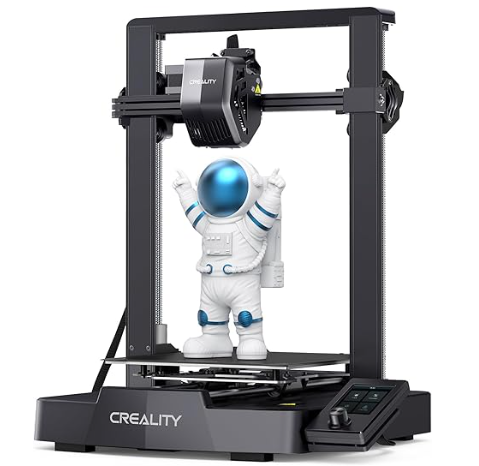
Creality Ender‑3 V3 SE
Build Volume: 220 × 220 × 250
Max Print Speed (mm/s): 250
A proven workhorse with broad community support—perfect for tinkerers and modders
Best Premium 3D Printers
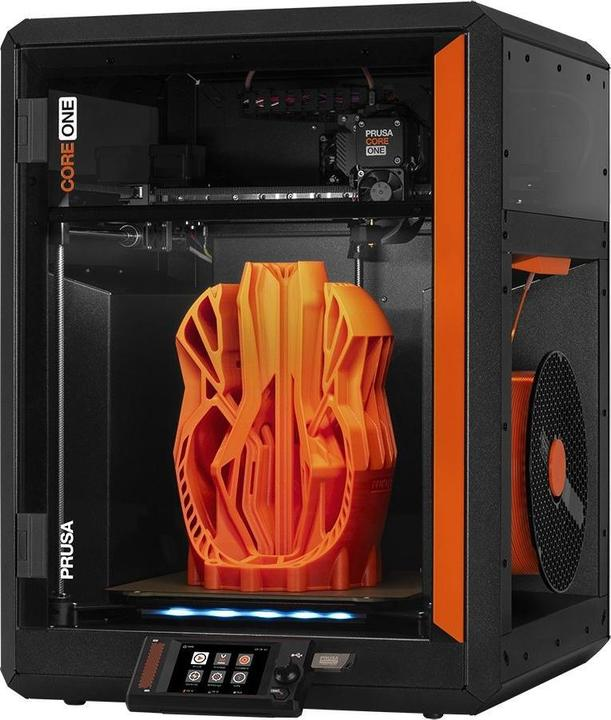
Prusa CORE One
Build Volume: 250 × 220 × 270
Max Print Speed (mm/s): 600 (travel)
Fully enclosed CoreXY with active chamber to 55 °C; all‑steel frame, faster than MK4S, ideal for engineering materials and reliable prints.
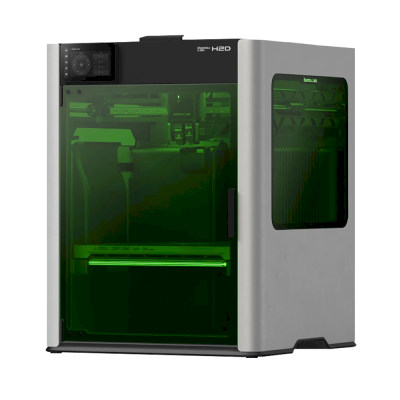
Bambu Lab H2D
Build Volume: 350 × 320 × 325 (dual nozzle area)
Dual-nozzle CoreXY with optional laser/pen attachments; large volume, high-temp hotend (350 °C), 5 µm calibration & multi‑material ready.
Best for Large Prints
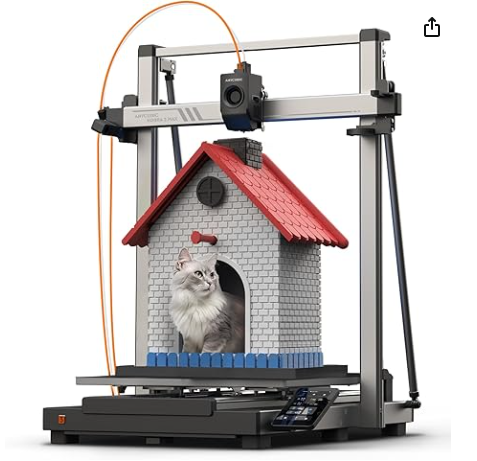
Anycubic Kobra 3 Max
Build Volume: 420 × 420 × 500
Max Print Speed (mm/s): 500
Huge build volume and fast travels; ideal for oversized models and props
Best for Precision
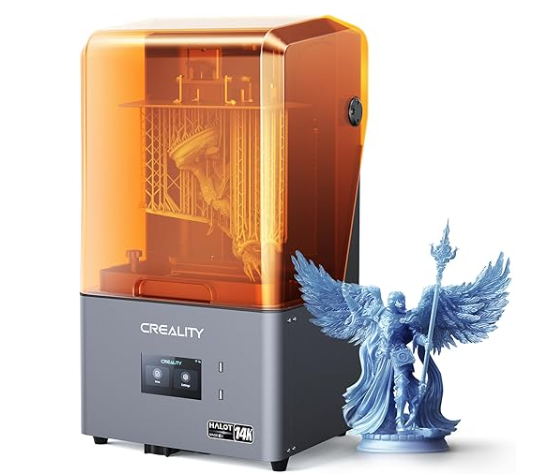
Creality Halot‑Mage S 14K
Build Volume: 223 × 126 × 230
Max Print Speed (mm/s): Resin: ~150 mm/h
High-resolution 14K LCD makes it a top pick for minis and detailed models
Best for Multicolor
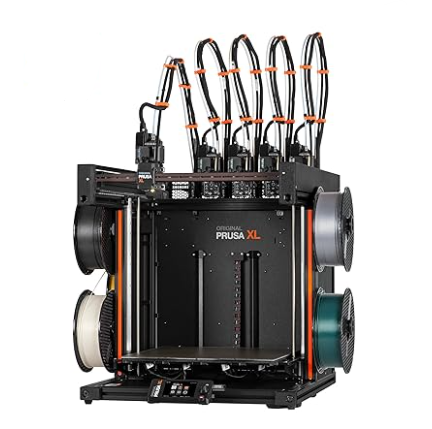
Original Prusa XL
Build Volume: 360 × 360 × 360
Max Print Speed (mm/s): ca.150–200
Modular, pro-grade with up to 5-tool toolheads: robust, reliable, and versatile
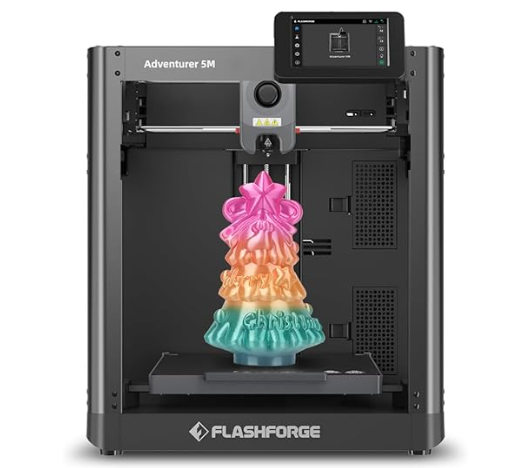
Best for Education
How to Choose the Right 3D Printer for You
Not sure where to start? Here are a few key factors to consider:
1. Experience Level
- Beginner: Look for easy setup, good documentation, and reliable auto-calibration.
- Intermediate/Advanced: Consider customizable settings, higher resolution, and advanced materials.
2. Use Case
- Casual/Hobby Use: Compact, affordable models are often enough.
- Large Models/Props: Prioritize build volume and filament compatibility.
- Miniatures/Fine Detail: Choose a high-resolution resin printer
- Multicolor or Multi-material: You’ll need systems with AMS
3. Speed vs. Quality
Faster isn’t always better — especially if you care about fine details or surface finish.
Balance print speed with resolution based on what you plan to print.
4. Budget
- Entry-level: ~$200–$400
- Mid-range: $500–$900
- Premium: $1000+